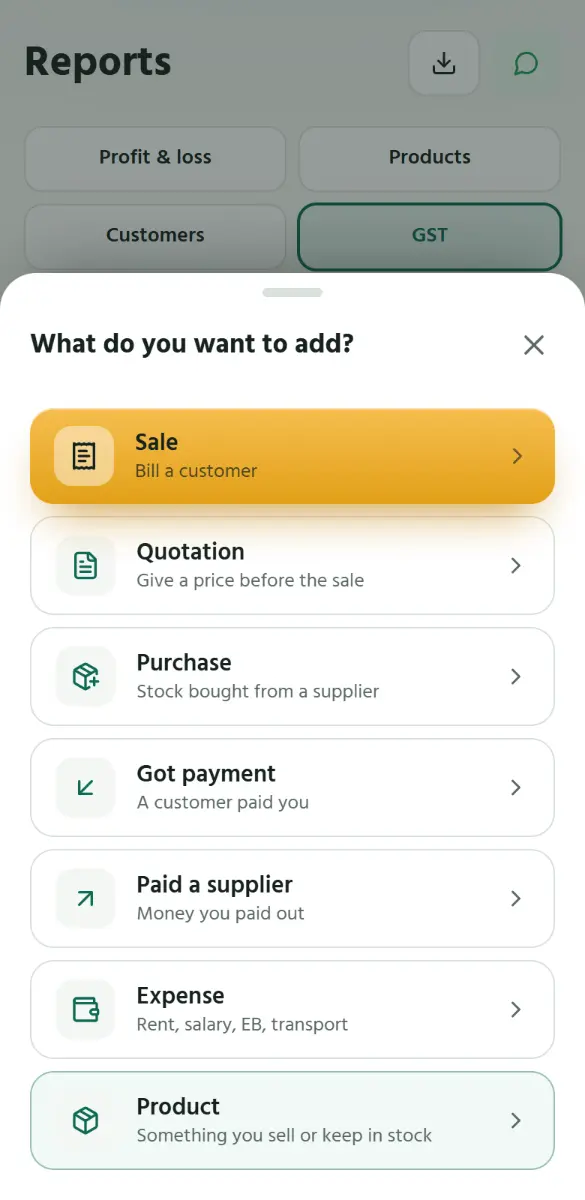
A quotation, then the bill
Step 1 of 3
EN
தமிழ்
1
Tap
+
, then
Quotation
.
1
Tap +, then Quotation.
2
Put on the products and the customer, as on a bill, and say until when the prices hold.
3
Send it. When they say yes, tap Make bill: the bill is filled in from it.
Back
Next
Tap the picture, or swipe, for the next step.
Back
Next